How to sell your comic as an ebook or a paperback
Export your series as a Kindle ebook and a print-ready paperback interior with a cover wrap, checked against Amazon KDP's rules, then upload it to KDP yourself.
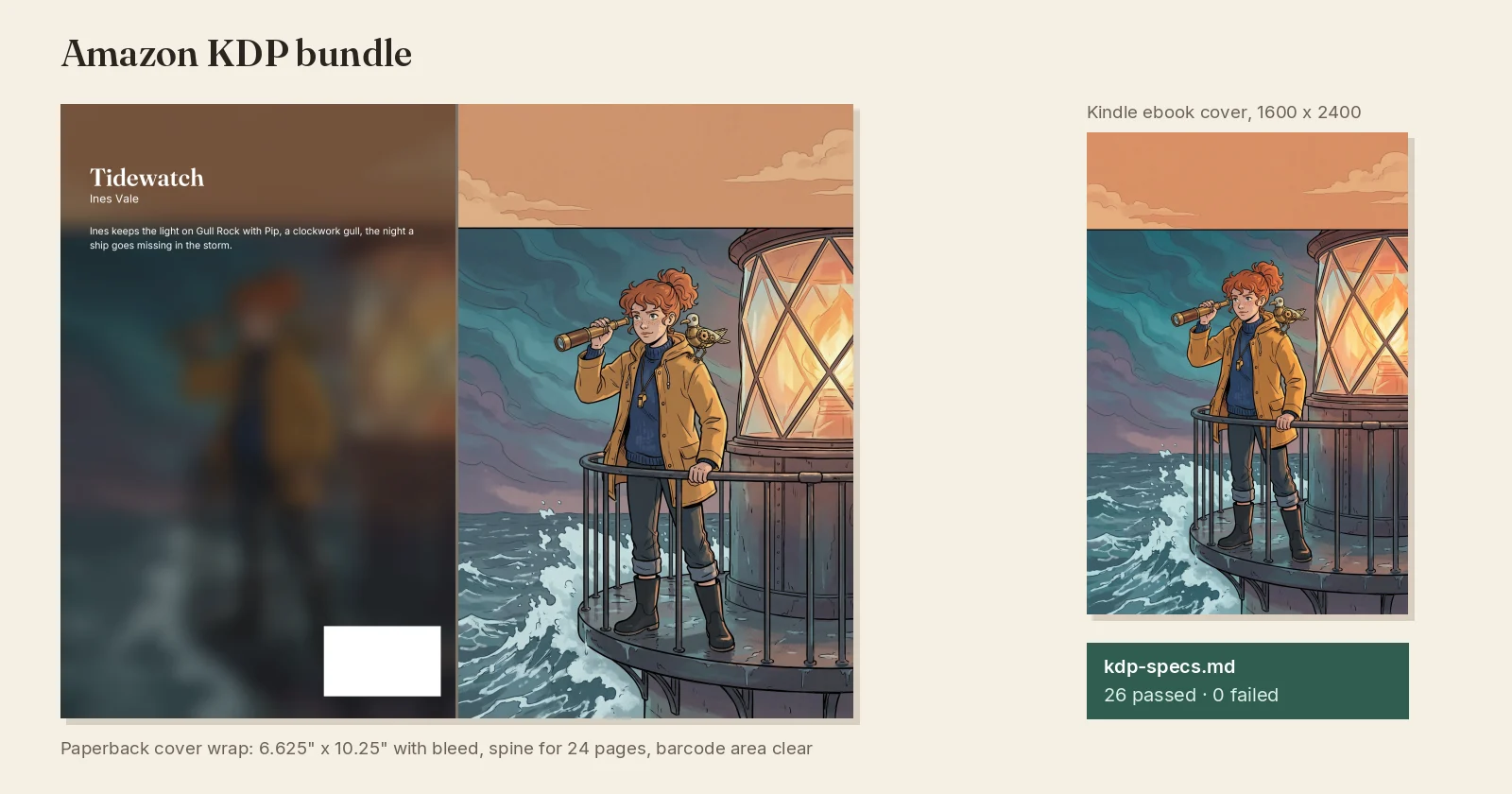
A finished series can become a book you sell. Inkroost prepares the files; you upload them to the store and keep the sales.
1. Make sure you own every part
Before you sell anywhere, make sure you hold the rights to every part of the book: the story, the characters and the artwork. Pages you drew yourself are yours.
2. Open Export
Open Export in the studio, pick the series or the chapters, and choose Amazon KDP bundle. For other stores or a free download, the same desk also makes ebooks, PDFs and comic archives.
3. Add your pen name
Set your Pen name in the export options. It is remembered for the series and used on every ebook and PDF you export. Leave it empty to use your Inkroost name.
4. Decide about print sharpening
Print needs much sharper pictures than a screen. Without sharpening you get the ebook files, and a report tells you which pages are too small to print. Turn on Sharpen for print to redraw each page and the cover at print size; each one is checked against your original and used only if it matches. The price shows before you start, and you get credits back for any picture that cannot be used.
5. Read the report, then upload
The bundle holds the cover, a Kindle fixed-layout ebook, a paperback interior with a cover wrap sized for your page count, and kdp-specs.md, which measures every file against KDP's published specifications with a pass or fail on each line. Fix any fail, then upload the files on KDP. Amazon reviews every book itself.
More ways to earn
Grow readers on Inkroost first, open new chapters early to your supporters on Patreon, and sell the finished book. The full picture is in the guide on making money with your comics.