

Manhwa maker
Manhwa is its own format, not manga with a different name: one long scroll, full colour, read left to right.
Your art. Your story. Your readers.
Bring your original comic, manga or webtoon. Upload your pages, publish chapters, and give readers a reason to come back.
Upload & share your work →Free to publish · No AI required · Your work stays yours
Free to start. AI drawing is paid for in credits, and packs start at $5.99 USD.
Free to start. You keep your work, and you can take it down whenever you like. See a finished chapter ·


Manhwa reads down, in colour
Full colour and one long scroll, read left to right. One scene, drawn by Inkroost in both colour looks.
Start free. Keep going with a plan.
New accounts start with 30 free credits — enough for your first 3 pages. Uploading pages you drew is always free. Plans start at $3.99 a month, and credit packs at $5.99.
Webtoons and manhwa on Inkroost
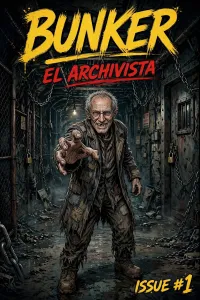
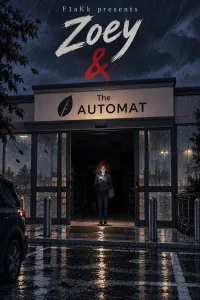
Real vertical-scroll series, published here by the people who own them.
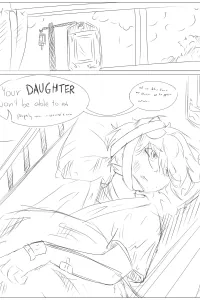
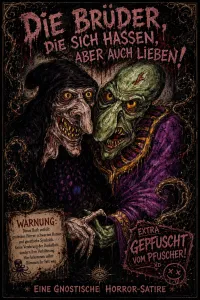
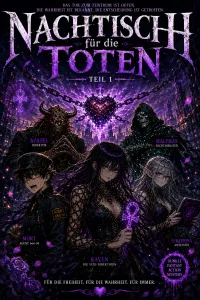
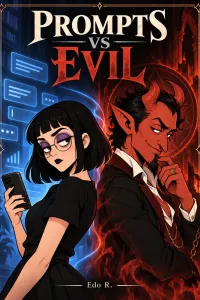
What makes manhwa read like manhwa
Down the page, left to right
Set a series to vertical scroll and that is what every reader gets, on a phone and on a desktop — one continuous column instead of pages that turn, and reading order left to right rather than the right-to-left a manga would use.
Episode by episode
Publish one episode at a time rather than waiting on a volume. Each goes through review once and then appears for readers by itself, and the people following your series are told about it.
Full colour from the first panel
Manhwa is read in colour, so start from the Webtoon or Anime colour look, or describe your own palette. Black-and-white pages you already have can become a colour edition: each page coloured with the linework left alone, in a separate series you review before it goes live.
Korean lettering, readers everywhere
The lettering editor has a Korean face for dialogue and sound effects. When the series is ready to travel, a translated edition rewrites only the text on each page into the language you choose and leaves the art untouched.
What it looks like, step by step
Screenshots of the actual screens, in the order you meet them.
-
1
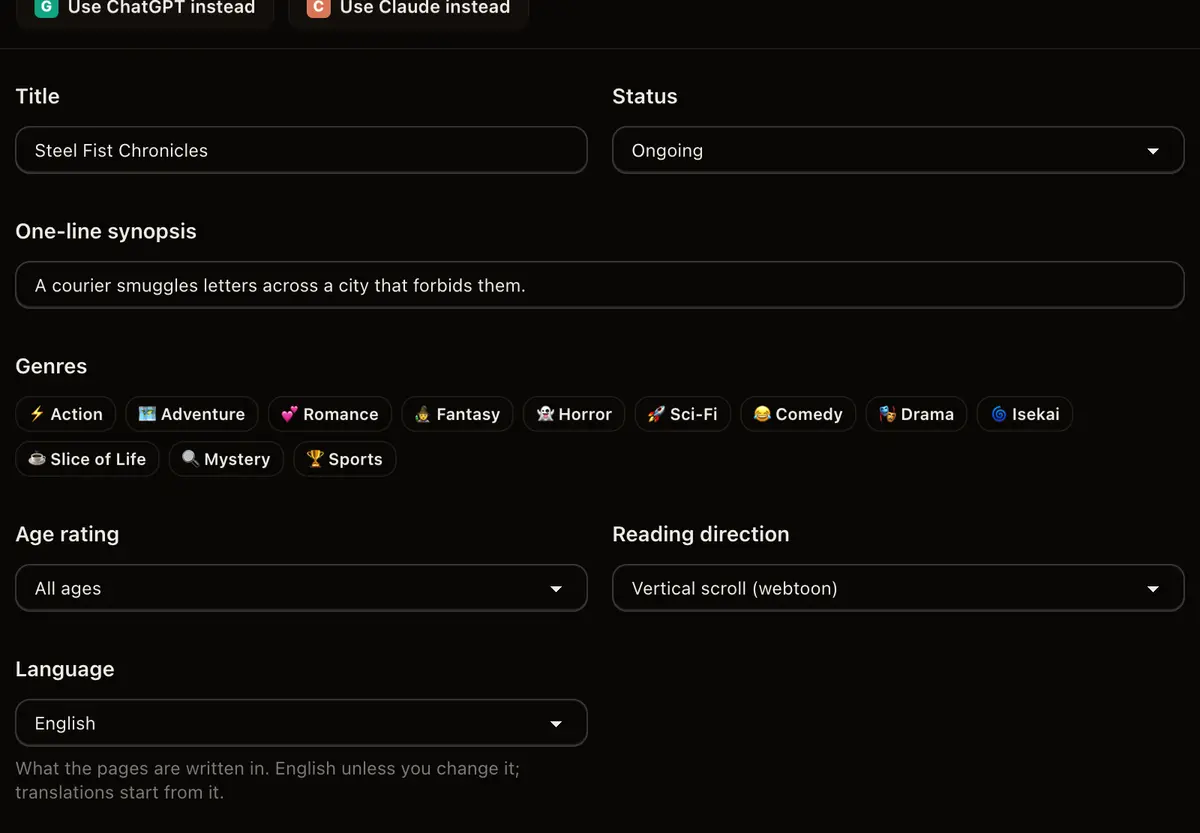
Choose the manhwa shape
Vertical scrolling on the series form is the difference between a manhwa and a page-turning comic. Pick it once and every episode follows.
-
2
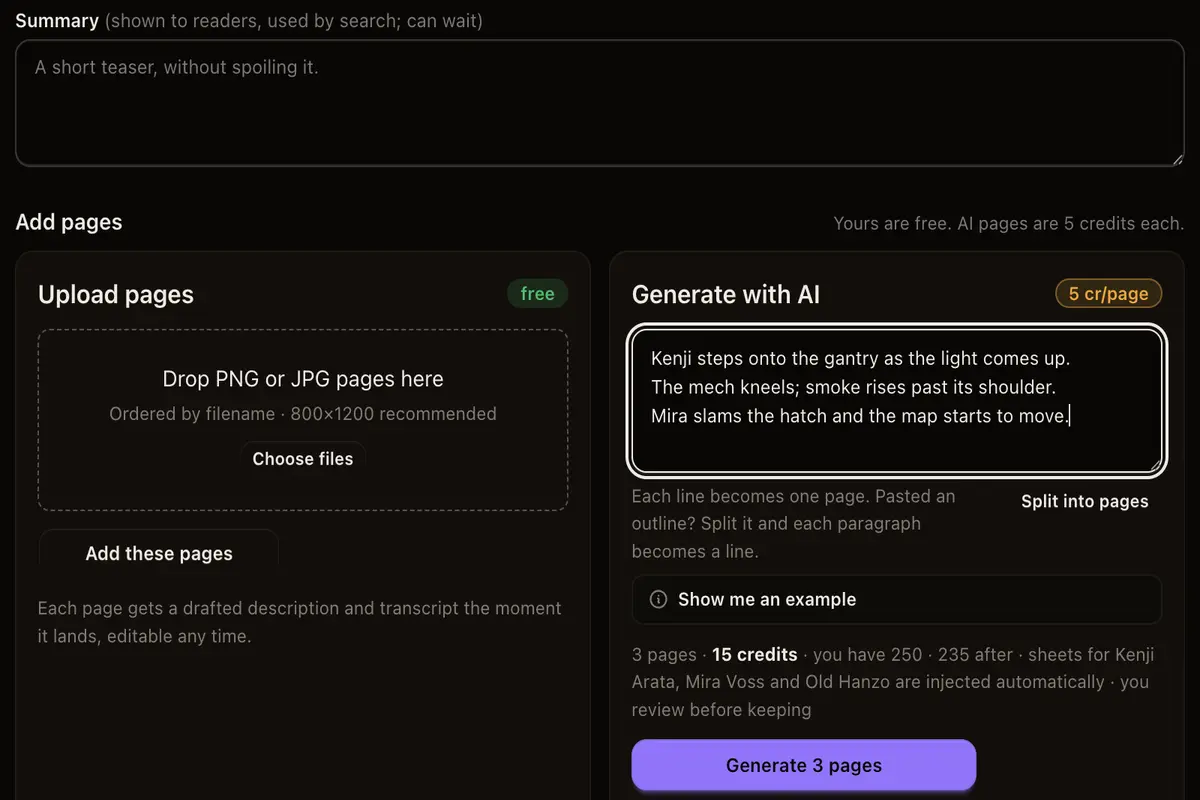
Write the episode as beats
A beat is one panel of the scroll. Write them in order and the episode is built in the order a reader will meet it.
-
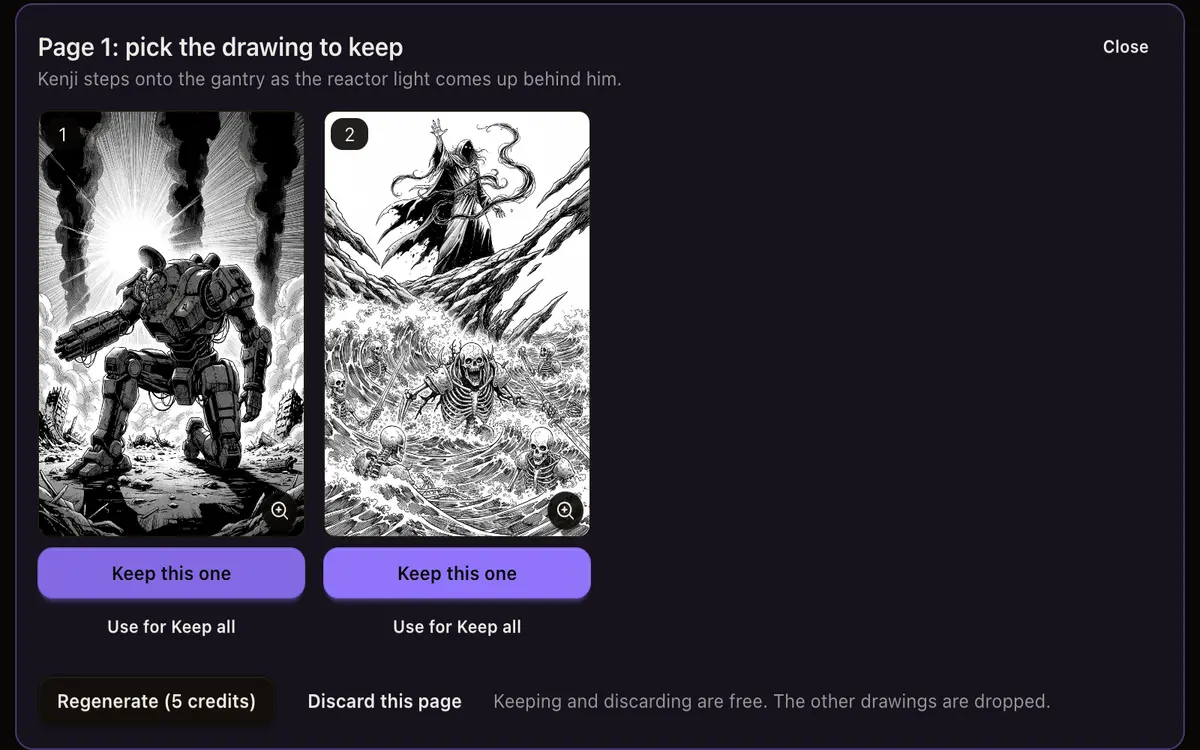
3
Look at the art before anyone else
Panels arrive on a review screen. Approve what fits the episode; regenerate the rest for the cost of that beat alone.
-
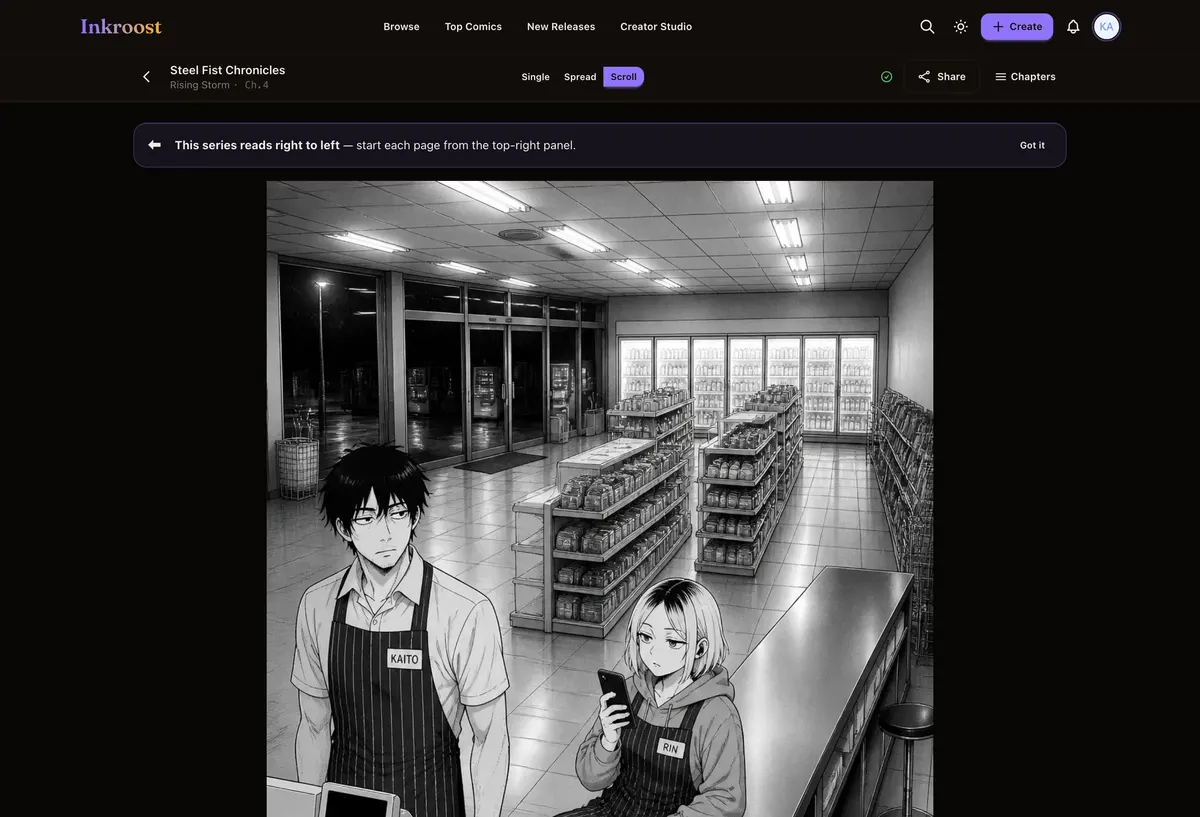
4
Publish the scroll
Readers get one continuous column and a follow button. Free to read, on any browser.
Webtoon episodes published here
Straight out of the catalogue. Tap one to read the chapter it belongs to.
What it costs
One AI-drawn page is 10 credits (about $0.30), so a 20-page chapter comes to about 200 credits (about $5.99). New accounts start with 30 free credits — enough for your first 3 pages. Uploading art you drew yourself costs nothing, and reading is always free. See the full pricing.
How this compares
| Feature | Inkroost | Canva | Clip Studio Paint | WEBTOON Canvas | AI image generators |
|---|---|---|---|---|---|
| Draws a comic page from a written scene | Yes | Partial | No | No | Partial |
| Reference sheets that hold a character across pages | Yes | No | Partial | Not applicable | Partial |
| Publish pages you drew yourself, to readers | Yes | No | No | Yes | No |
| Chapters readers follow, comment on and come back to | Yes | No | No | Yes | No |
| Right-to-left manga reading built in | Yes | No | Yes | No | No |
| Vertical-scroll episodes | Yes | Partial | Yes | Yes | No |
| Free to read, no reader account needed to start | Yes | Not applicable | Not applicable | Yes | Not applicable |
Compared on what each product says about itself. “Partial” means it does something close to this, not the same thing. No prices are compared here — theirs change and ours are on the pricing page.
Walk through it first
Real screens, real costs, and what to do when a page comes back wrong.
Colour and translated editions of your chapters
Turn a finished chapter into a colour edition or a translated edition, or clean up and enlarge old scans, without touching the original.
Read the walkthrough →Letter it here, and stop finishing your work somewhere else
The lettering editor got eleven fonts, forty-seven sounds and ten bubble shapes, and what you letter stays editable. Covers and banners can carry text at last. Inky shows you the art it makes, and the promo kit comes cut for every platform.
Read the walkthrough →Questions people ask
What is the difference between manhwa and manga here?
The reading mode. A manhwa series is set to vertical scrolling and reads left to right; a manga series turns pages right to left. Both are settings on the series, and the reader honours whichever you chose.
Is it free to publish manhwa here?
Yes. Accounts, series and publishing are free. Credits are only spent if you ask the AI to draw a panel for you.
Can I colour the panels myself?
Yes. Any page can be replaced with your own file, and a whole episode can be uploaded rather than generated. Colour work you do elsewhere comes across unaltered.
Do readers need an app?
No. Every episode reads in a browser, and readers do not need an account to start reading a free chapter.
What does a chapter cost in dollars?
One AI-drawn page costs 10 credits (about $0.30), so a 20-page chapter comes to 200 credits (about $5.99). Uploading art you drew yourself costs nothing. Credit packs start at $5.99.
More ways in
Your first page is free.
Free to join, no card needed, and your 30 welcome credits draw your first 3 AI pages. If you would rather draw them yourself, upload them instead — both are first-class here.
Start your manhwa