

Manga page generator
One written beat in, one manga page out — for you to approve, ask again, or set aside.
Your art. Your story. Your readers.
Bring your original comic, manga or webtoon. Upload your pages, publish chapters, and give readers a reason to come back.
Upload & share your work →Free to publish · No AI required · Your work stays yours
Free to start. AI drawing is paid for in credits, and packs start at $5.99 USD.
Free to start. You keep your work, and you can take it down whenever you like. See a finished chapter ·
One beat, five finished pages
Each of these pages came from the same three-panel beat. The look changes the ink; the beat decides what happens.
-
 1
1
Manga B&W
High-contrast ink, speed lines, dramatic angles
Start in this look ↑ -
 2
2
Shonen
Action, screentone, impact frames
Start in this look ↑ -
 3
3
Shojo
Soft tones, elegant lines, emotional close-ups
Start in this look ↑ -
 4
4
Seinen
Fine detail, cross-hatching, cinematic panels
Start in this look ↑ -
 5
5
Chibi
Cute, rounded, bright and simple
Start in this look ↑
Start free. Keep going with a plan.
New accounts start with 30 free credits — enough for your first 3 pages. Uploading pages you drew is always free. Plans start at $3.99 a month, and credit packs at $5.99.
Manga on Inkroost
Real manga that reads right to left, published here by the people who own it.

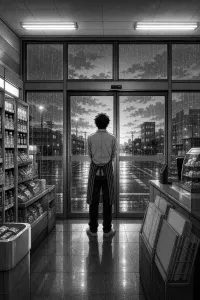

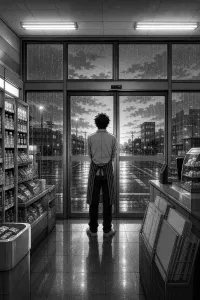
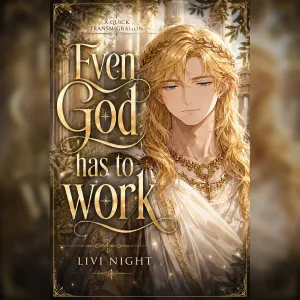
How a manga page gets made
A beat is the unit
Write what happens, who is in the shot and what they say. That beat becomes one page. Generate the next one when you have decided the last one works, so a chapter is built in the order you would have drawn it.
Right to left, because it is manga
Set the series right to left and the reader honours it — pages advance the way a manga is meant to be read, with nothing for the reader to find and switch on.
Panels you describe, or a layout it picks
Write the page as panels, each with its own shot and line, and it is drawn as written. Leave the layout unsaid and up to two moves are chosen from the beats: a close-up inset over another panel, a thin strip across the top, a figure breaking out of its frame at the big moment.
Speed lines and ドドド
Finish the page in the lettering editor: burst and whisper balloons, a tail pointed at whoever speaks off-panel, sound effects with speed lines and impact bursts, and a Japanese face with text stacked vertically the way manga letters it. All of it stays editable after you save.
What it looks like, step by step
Screenshots of the actual screens, in the order you meet them.
-
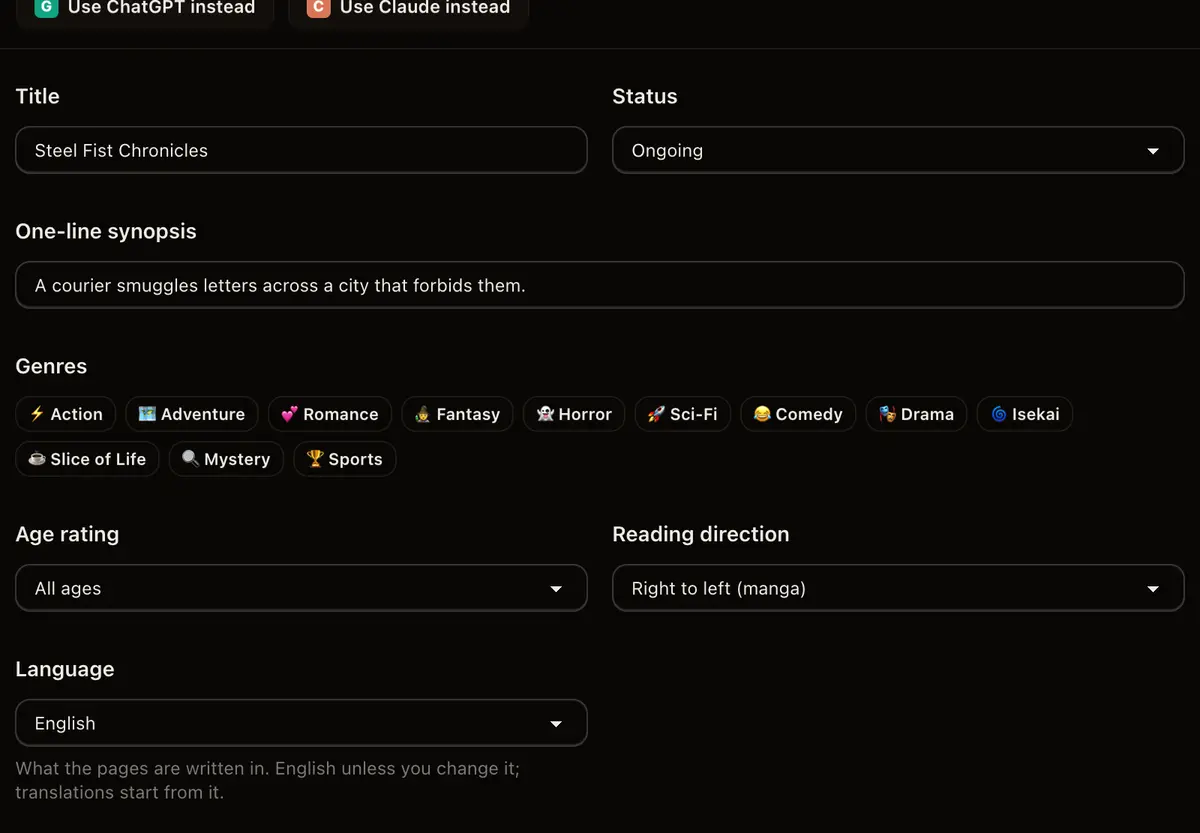
1
Set the binding right to left
Reading direction belongs to the series, so it is decided once and never again. Right to left is the manga default here, not an option buried in a menu.
-
2
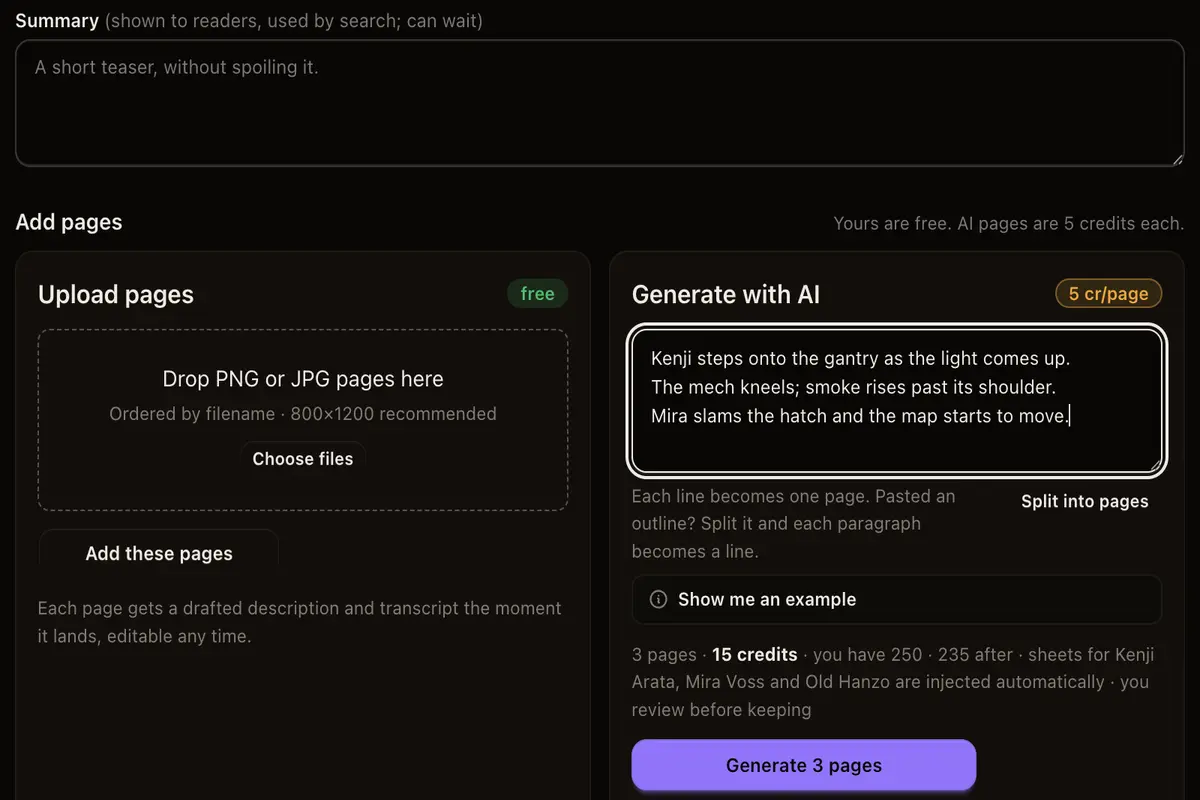
One beat, one page
Describe the page: the shot, the characters in it, the line of dialogue. Twenty beats is a chapter.
-
3
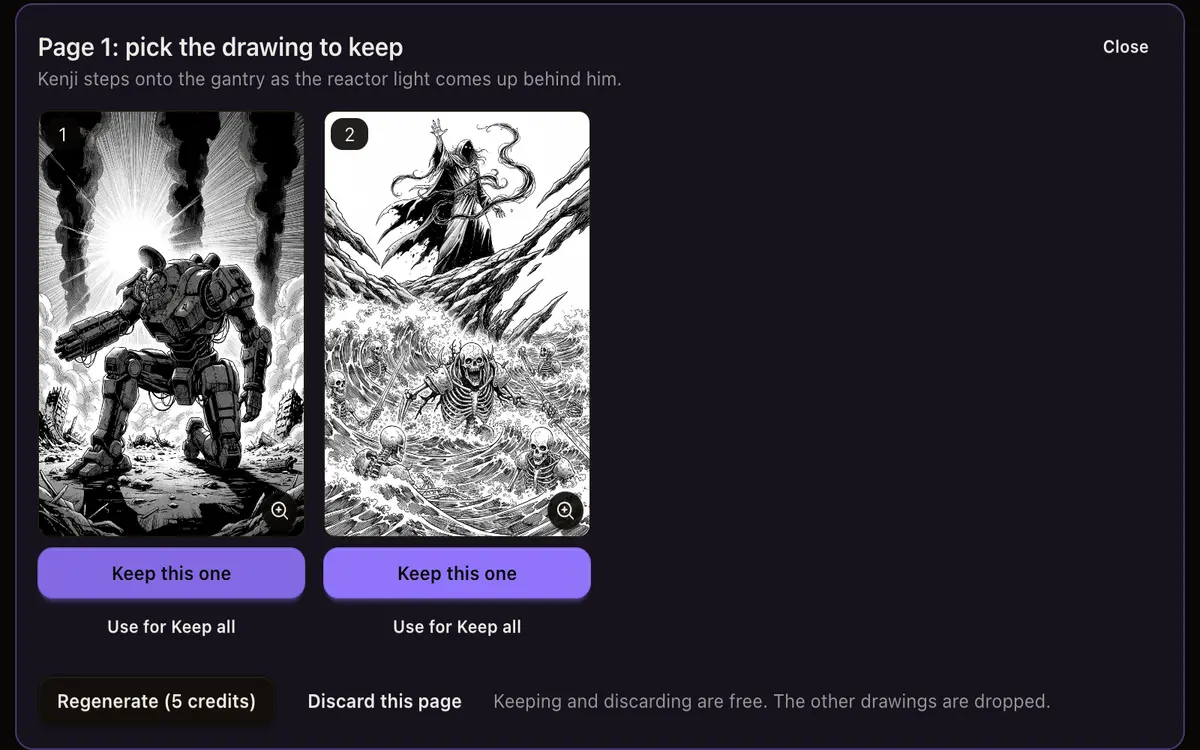
Judge each page on its own
Pages come back beside the beat that produced them, so you can see whether the drawing is the scene you wrote. Approve, regenerate or discard, one page at a time.
-
4
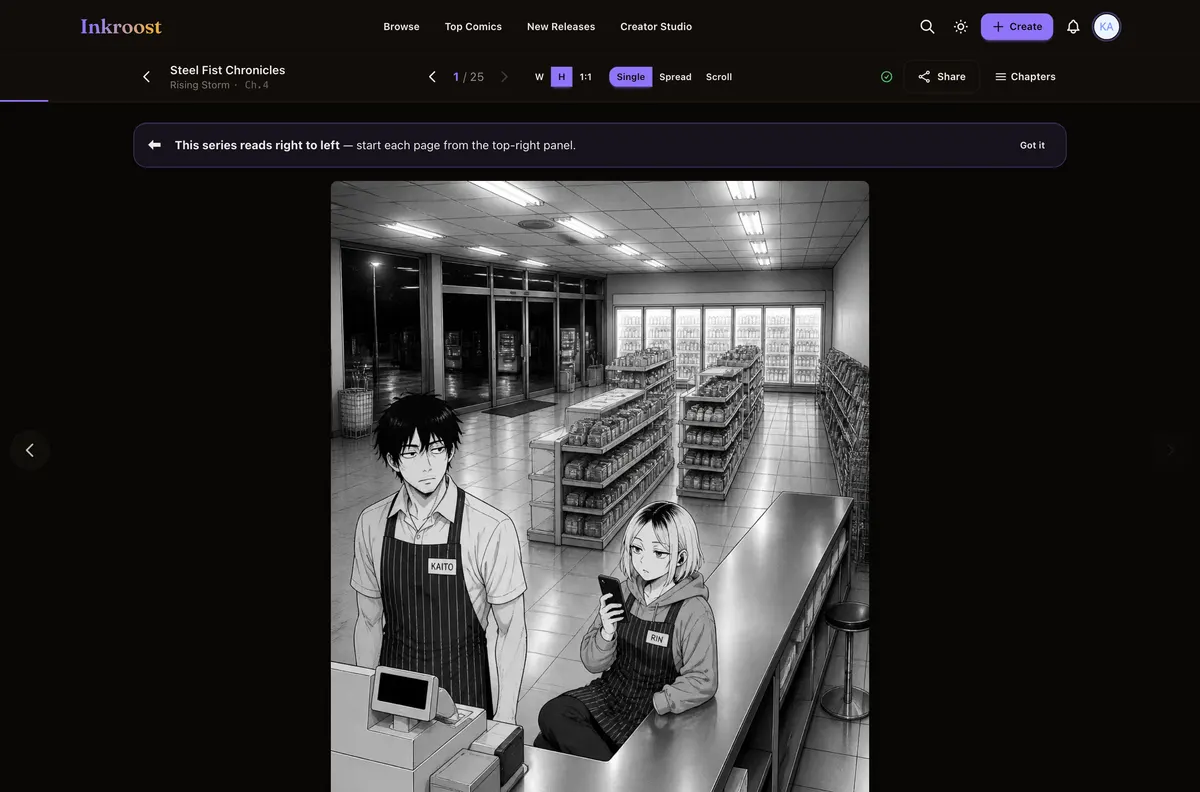
Read it back as a chapter
Approved pages land in reading order, right to left, in the same reader your audience will use.
Manga pages published here
Straight out of the catalogue. Tap one to read the chapter it belongs to.
What it costs
One AI-drawn page is 10 credits (about $0.30), so a 20-page chapter comes to about 200 credits (about $5.99). New accounts start with 30 free credits — enough for your first 3 pages. Uploading art you drew yourself costs nothing, and reading is always free. See the full pricing.
How this compares
| Feature | Inkroost | Canva | Clip Studio Paint | WEBTOON Canvas | AI image generators |
|---|---|---|---|---|---|
| Draws a comic page from a written scene | Yes | Partial | No | No | Partial |
| Reference sheets that hold a character across pages | Yes | No | Partial | Not applicable | Partial |
| Publish pages you drew yourself, to readers | Yes | No | No | Yes | No |
| Chapters readers follow, comment on and come back to | Yes | No | No | Yes | No |
| Right-to-left manga reading built in | Yes | No | Yes | No | No |
| Vertical-scroll episodes | Yes | Partial | Yes | Yes | No |
| Free to read, no reader account needed to start | Yes | Not applicable | Not applicable | Yes | Not applicable |
Compared on what each product says about itself. “Partial” means it does something close to this, not the same thing. No prices are compared here — theirs change and ours are on the pricing page.
Walk through it first
Real screens, real costs, and what to do when a page comes back wrong.
Pages that play with their layout
When your panels don't say how the page is laid out, Inkroost now picks a layout move for each page, like a close-up inset laid over another panel or a figure reaching out of its frame, so pages stop coming out as tidy grids.
Read the walkthrough →How to turn one scene into a comic page
The whole path from a sentence in your head to a drawn page you decided to keep — what to type, what it costs, and what to do when the page comes back wrong.
Read the walkthrough →Questions people ask
How much of a page do I have to describe?
A sentence is enough to start. Anything you leave out is decided by the series style profile and the character sheets, and anything you pin down in the beat wins over both.
Can I generate a whole chapter at once?
Yes. Write the beats for a chapter and generate them in one batch; every page still arrives on a review screen before it becomes part of the chapter.
What if a page comes back wrong?
Regenerate that beat on its own, edit the beat and try again, or upload a page of your own in its place. A bad page costs one page, not the chapter.
Do the pages read right to left for my readers?
Yes, when the series is set right to left. The reader advances pages in manga order for everyone, and tells a first-time reader which side to start on.
What does a chapter cost in dollars?
One AI-drawn page costs 10 credits (about $0.30), so a 20-page chapter comes to 200 credits (about $5.99). Uploading art you drew yourself costs nothing. Credit packs start at $5.99.
More ways in
Your first page is free.
Free to join, no card needed, and your 30 welcome credits draw your first 3 AI pages. If you would rather draw them yourself, upload them instead — both are first-class here.
Draw your first manga page