How to publish and share a comic chapter on Inkroost
Publish a chapter in one press, let the automatic review set its rating, then share the link, make promo pictures for each platform, and see who is reading.
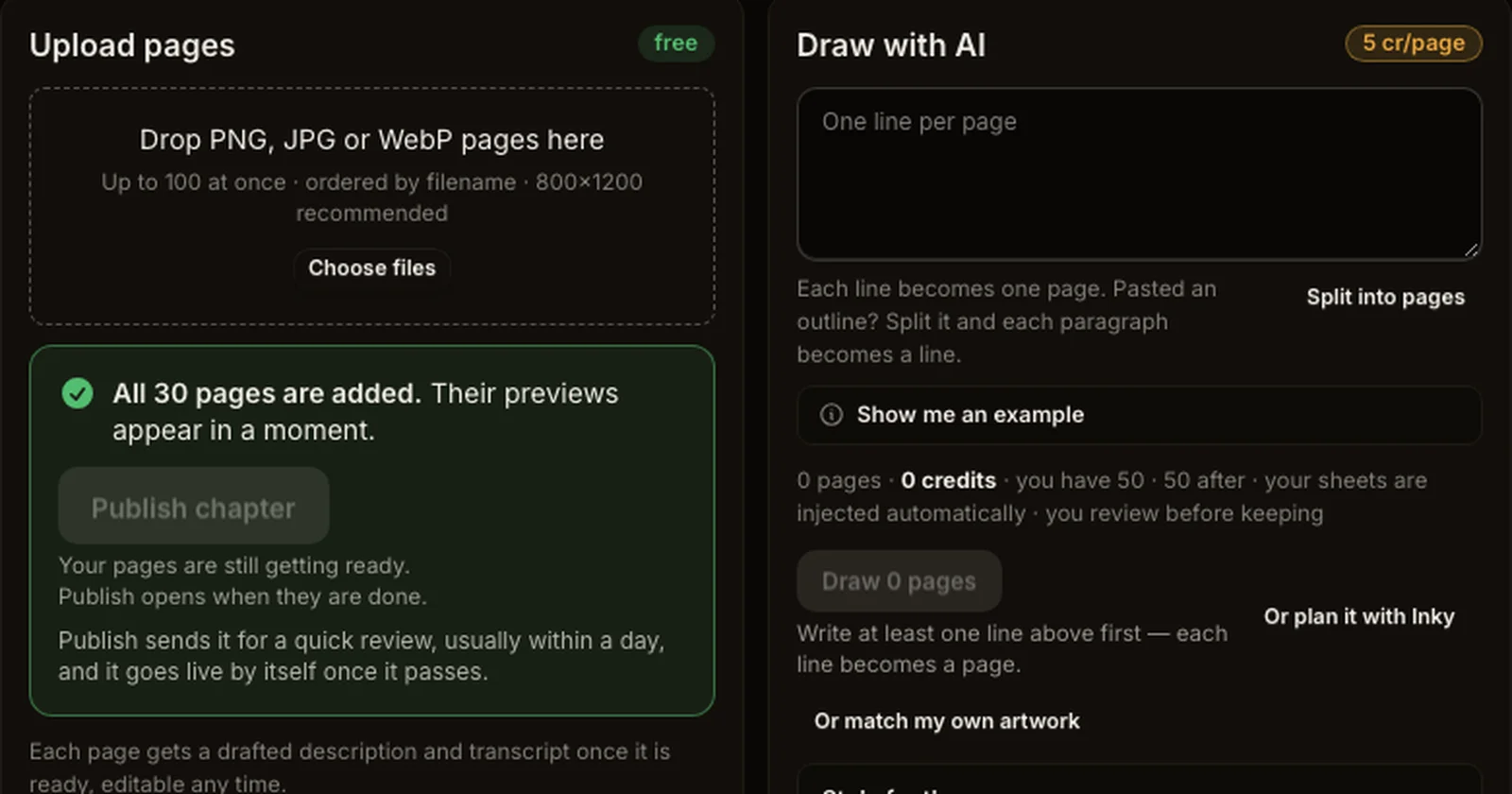
Publishing on Inkroost is free, and readers do not need an account to read most series. Here is the path from a finished chapter to people reading it.
1. Check the pages
Open the chapter in the studio. Pages read first to last in the order shown; use the arrows on a page to move it. Every page must be ready (drawn and kept, or uploaded) before the chapter can go out.
2. Publish
Press Publish chapter. If anything still stands in the way, such as the content policy acknowledgement on your first chapter, it tells you before anything changes.
3. The automatic review
Every chapter gets a short automatic review. It sets a content rating on a series that has none and raises one the artwork has outgrown; it never lowers a rating you set yourself. Most chapters go live within minutes. Explicit artwork is held for a person to look at.
4. Share it
- Copy link on your series or chapter gives you a clean link to post anywhere.
- Promo kit makes pictures cut for each place you post: square, tall, vertical, link card, wide, header and cover. Take a whole platform's set in one download.
- A webtoon can also be exported as one long strip for platforms that show vertical comics.
5. Keep readers coming back
- Post chapters on a rhythm readers can count on. Followers are told when a new one comes out.
- Turn your best chapter into an animated episode and post the vertical cut on TikTok, Reels or Shorts.
- Make translated and colour editions so readers in other languages can find you.
- Check Analytics to see which chapters are read and where readers stop.