指南
一步一步教你在 Inkroost 上制作漫画、条漫或日漫:从第一页到动画剧集、已发布的章节,以及可以出售的书。
从这里开始
两篇讲手艺的长指南:如何让每一页都像同一位画家画的,以及如何把它们做成一集动画。
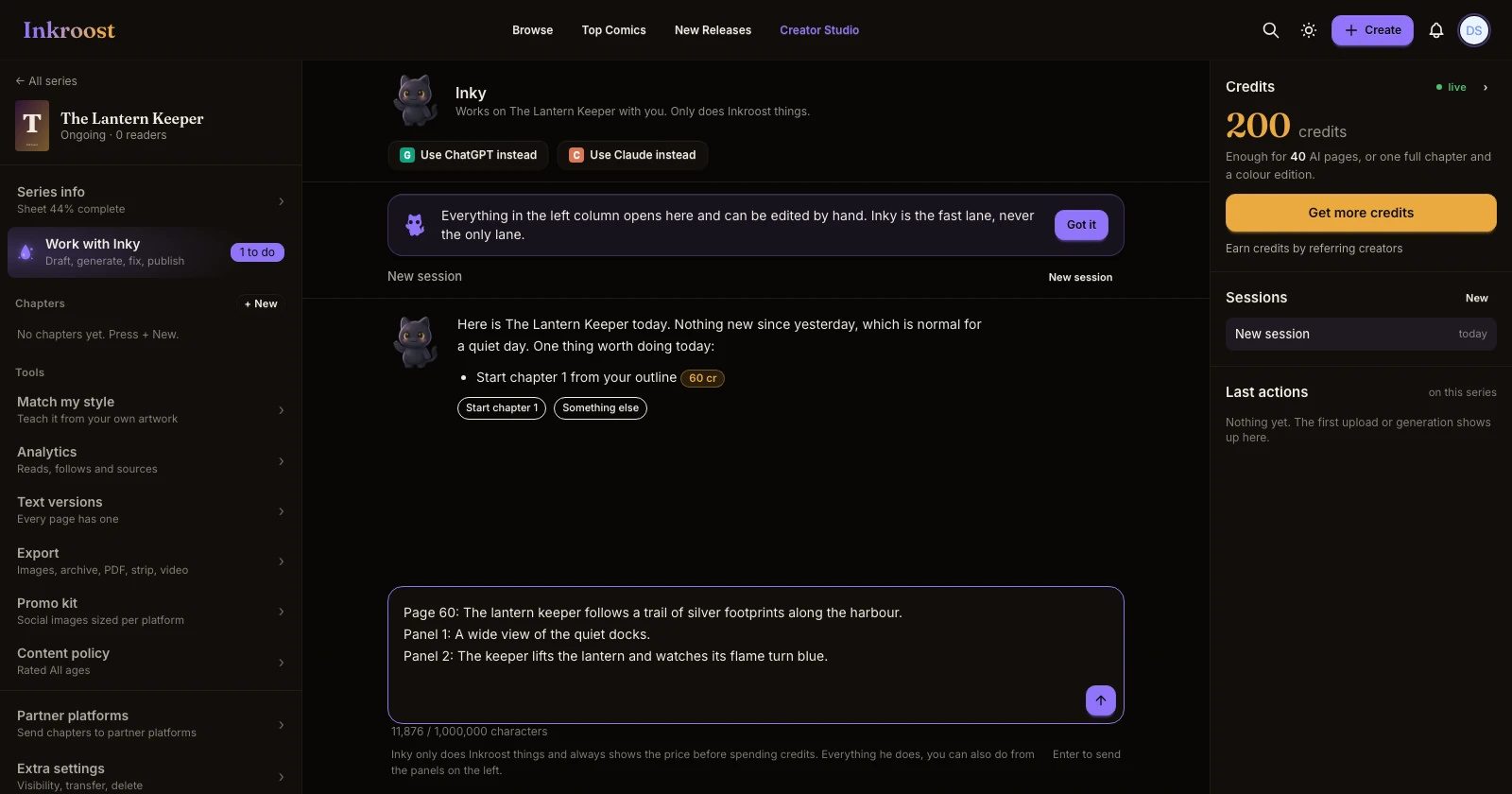
The solid workflow: sheets first, angles second, pages last
The way to make a comic that looks like one artist drew every page. Write your characters, objects and places down, set up the camera with the 3D tools, and only then draw pages. Then fix what's off with Fix an area, redraws and Pro Studio.
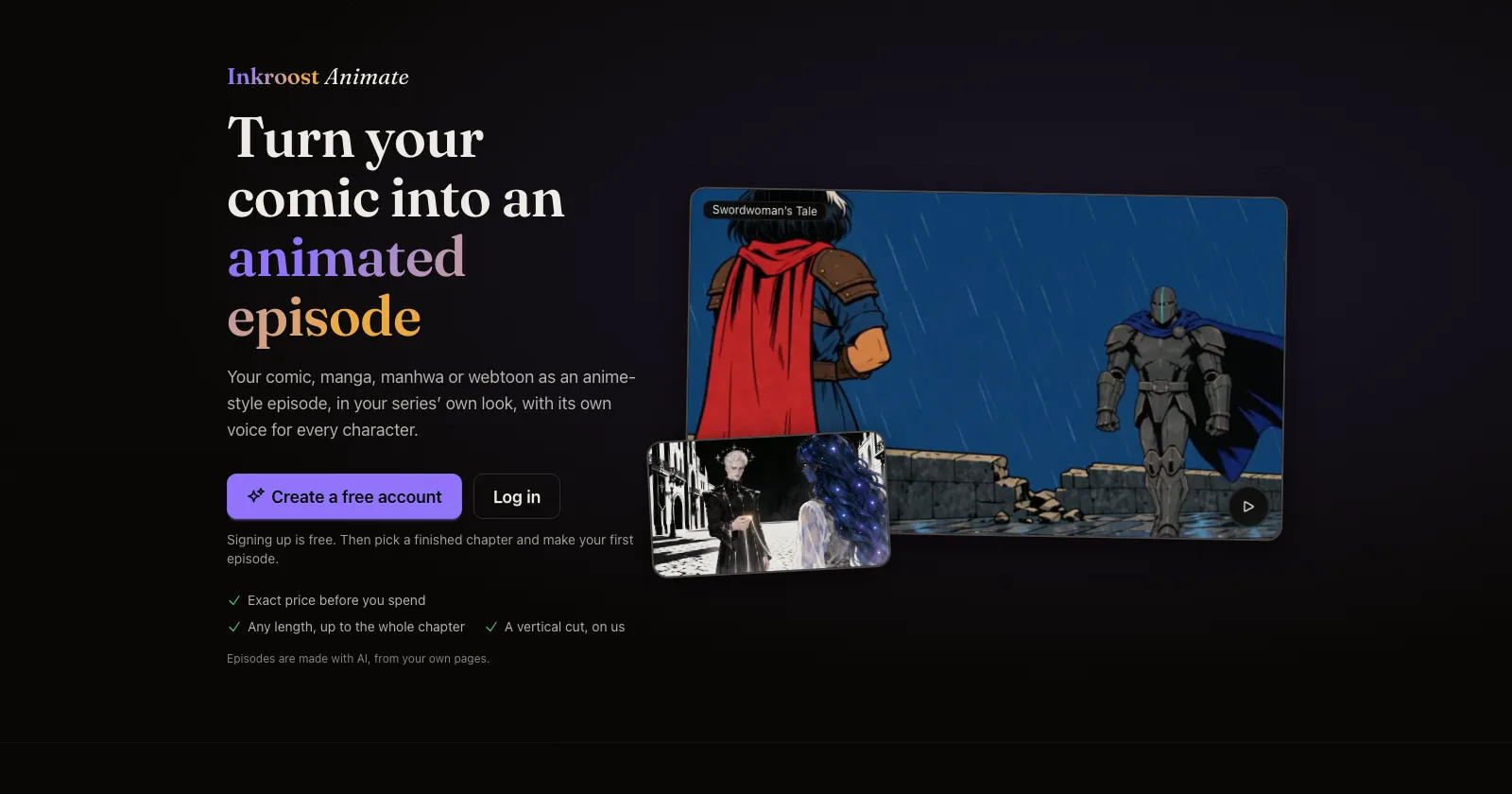
How to turn a comic chapter into an animated episode
A full walkthrough of Inkroost Animate, and the craft behind a good episode. Start from consistent pages, pick the look and the voices, shape the script for speech, choose the length and quality, check the plan and the exact price, then animate, fix scenes and publish.
入门
从一句话到你画好的第一页。
The solid workflow: sheets first, angles second, pages last
The way to make a comic that looks like one artist drew every page. Write your characters, objects and places down, set up the camera with the 3D tools, and only then draw pages. Then fix what's off with Fix an area, redraws and Pro Studio.
如何在 Inkroost 上开始你的第一个漫画系列
几分钟内,从一句话到画好的第一页。描述你的故事,挑选画风,按下“绘制我的第一页”,然后从这里开始创作本章剩余内容。
一句话,一个按钮,你的第一页
现在,用 Inky 开始一个系列只需一步。输入你的想法,喜欢的话再选一种画风,按下“绘制我的第一页”,大约两分钟就能画好第一页。你的第一个封面和第一张横幅免费。
现在,创作从 Inky 开始
点击创作后会打开 Inky 对话框;第一页会采用你选定的画风;粘贴的脚本会逐页绘制;Inky 会在重复使用系列名称前先确认。
Style presets for every kind of comic, and always your own style
Fifteen style presets, from superhero comics to manga to European albums, each with a real sample page. Pick one for the whole series or for one run of pages, or skip them and describe your own style. Inky asks which look you want before it draws anything.
让角色保持一致
让脸、服装、地点和道具在每一页都一样。
How to keep one character the same across pages
Faces drift between generated pages until you write the character down once. Here is what a character sheet is, how Inkroost pushes it into every page that mentions her, and what to do when a page comes back wrong anyway.
如何使用角色、地点和物件设定表
设定表能帮助 Inkroost 记住你的角色、地点和反复出现的物件是什么样子。写好一次,配上一张图,每一页只要提到它们,画出来的样子就会保持一致。
Inky writes the sheet before it draws the character
Every character, object and place in your story gets a complete sheet before Inky plans its pages, and Inky asks you about the ones you named instead of guessing.
你上传的页面会补全角色、地点和物件信息
上传自己绘制的章节后,Inkroost 会阅读页面,将找到的角色、地点和物件添加到设定卡中,并为每张卡配上一张从你自己的页面中截取的图片。完全免费。
Style match teaches Inkroost your style from your own pages
Pick a few of your uploaded pages and Inkroost drafts a style profile and sheets from them, then draws the next page in your style.
圈出问题并只修复那一处,再检查页面之间的连续性
现在,每一页都会与前面的页面进行比对,检查是否有多余的手臂、手指错误、角色重复、背景变化和剧情断裂。系统会为你选出画得最好的一张,你也可以圈出任意区域并说明要修改什么。
页面、分格与嵌字
绘制、上传、排版并为页面嵌字。
如何将自己的漫画页面导入 Inkroost
上传你画好的页面,或直接上传整本漫画的 PDF。上传免费,页面会按顺序排列,你可以像处理其他章节一样发布、翻译或制作动画。
如何为漫画页面添加文字
直接在页面上添加对话气泡、说明文字和音效,提供 11 种漫画字体,而且每个气泡都可以继续编辑。封面和横幅也可以添加文字。
How to turn one scene into a comic page
The whole path from a sentence in your head to a drawn page you decided to keep — what to type, what it costs, and what to do when the page comes back wrong.
以 PDF 格式导入你的漫画
在添加页面的位置上传漫画或漫画书的 PDF,每一页 PDF 都会按顺序成为章节中的一页。无需先逐页导出。
会玩转版式的漫画页
当你的分格没有说明页面该如何排版时,Inkroost 现在会为每一页选择一种版式变化,比如把特写小格叠在另一格上,或让人物伸出画框,这样页面就不会总是排成整齐的网格。
将章节拆分为分格
章节中的每个分格都会按阅读顺序单独裁切成图片,供你下载;你还可以选择清除其中的气泡和文字。
把漫画做成动画
把一章变成带配音、音乐和字幕的动画剧集。
How to turn a comic chapter into an animated episode
A full walkthrough of Inkroost Animate, and the craft behind a good episode. Start from consistent pages, pick the look and the voices, shape the script for speech, choose the length and quality, check the plan and the exact price, then animate, fix scenes and publish.
如何将动画剧集发布到 YouTube
连接一次 YouTube 频道后,就可以将任意已完成的剧集,或它的竖屏剪辑版作为 Shorts,直接发布到你的频道,并设置自己的标题、描述和受众。
检查并改写你这一集的剧本
在一集动画制作开始前,你现在可以编辑每一句台词、更改说话的人并调整对话顺序,也可以请免费的剧本助手为屏幕呈现效果改写剧本。
把整章压缩进短篇,或只保留其中的精彩时刻
当你选择的篇幅短于章节长度时,Inkroost Animate 现在会询问你:是缩短台词以纳入每一页,还是逐字保留最精彩的场景。
无需重做整集,也能修正其中一个场景
动画剧集里有只手画错了,或者有个盖子飘在空中?在新的时间线上选中场景,说清楚要改什么,只有那几秒会重新绘制。配音、音乐和字幕都保持不变。
标准单集新增第二种动画器,价格更低
现在,制作标准单集时,你可以在主动画器和第二种动画器之间选择。第二种价格更低,也有自己的风格。你可以先查看两种价格,再做决定。
发布、分享与成长
让读者看到你的章节,并愿意回来。
如何在 Inkroost 上发布并分享漫画章节
一键发布章节,让自动审核为章节设置分级,然后分享链接、为各个平台制作宣传图片,还能查看读者的阅读情况。
Promo kit and webtoon strip export
Social tiles composed from your own panels, and a vertical-scroll export for webtoon platforms.
Colour and translated editions of your chapters
Turn a finished chapter into a colour edition or a translated edition, or clean up and enlarge old scans, without touching the original.
把你的漫画带到电子阅读器上
你在 Inkroost 创作的任何系列或章节,都可以导出为电子书。每屏显示一页,画面铺满屏幕边缘,附带封面和目录,可在大多数电子阅读器和阅读应用中阅读。
赚钱
赞助者、电子书和纸质书,文件随时可用。
如何通过你的漫画赚钱
这是一份直白易懂的指南,教你如何通过漫画、webtoon 和 manga 赚钱:在 Inkroost 上积累读者,向 Patreon 支持者开放新章节,并在 Amazon KDP、Draft2Digital 或 Comics Authority 上出售完结作品。
如何将你的漫画作为电子书或平装书出售
将你的系列导出为 Kindle 电子书和可直接印刷的平装书内页及封面展开图,并根据 Amazon KDP 的规则进行检查,然后自行上传到 KDP。
符合 KDP 规则的 Amazon KDP 套装
一次下载即可获得全尺寸封面、使用笔名署名的 Kindle 电子书、画作清晰度足够时可用于印刷的文件,以及一份按 KDP 已公布规格检查每个文件的报告。
在 ChatGPT 或 Claude 中创作
不离开助手,就能创作并发布你的漫画。
Make a comic with ChatGPT and publish it on Inkroost
ChatGPT is good at the script. Inkroost draws the pages and publishes them. Here is how to join the two, including the parts you still do yourself.
How to make a webtoon with Claude
Connect Inkroost to Claude once, then ask for a chapter. Claude plans the pages, draws them, and hands every one back to you to approve.
Inkroost MCP: generate a manga chapter from a script
The create-inkroost-chapter workflow, tool by tool: right-to-left pages, a cost estimate before anything is charged, review, and submitting the result.
在 ChatGPT 或 Claude 中把你的漫画变成动画剧集
让 ChatGPT 或 Claude 根据你的章节制作动漫或卡通。它会展示剧集示例,先告诉你价格再花费任何费用,而且你的首部动画剧集可享 5 折优惠。