

AI webtoon generator
Write what happens in the scene and get a vertical-scroll panel back. Keep it, ask for another take, or draw over it yourself.
Your art. Your story. Your readers.
Bring your original comic, manga or webtoon. Upload your pages, publish chapters, and give readers a reason to come back.
Upload & share your work →Free to publish · No AI required · Your work stays yours
Free to start. AI drawing is paid for in credits, and packs start at $5.99 USD.
Free to start. You keep your work, and you can take it down whenever you like. See a finished chapter ·


Full colour, straight from your words
The same scene in Webtoon and Anime colour, drawn by Inkroost from one written beat.
Start free. Keep going with a plan.
New accounts start with 30 free credits — enough for your first 3 pages. Uploading pages you drew is always free. Plans start at $3.99 a month, and credit packs at $5.99.
Webtoons and manhwa on Inkroost
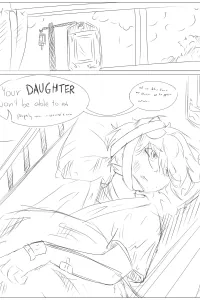
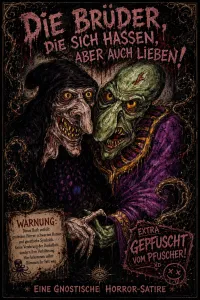
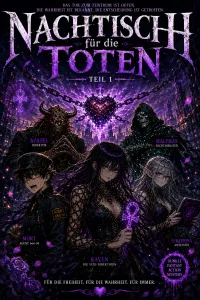
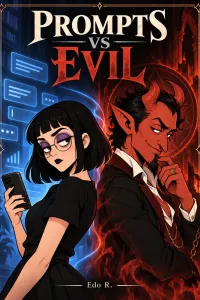
Real vertical-scroll series, published here by the people who own them.
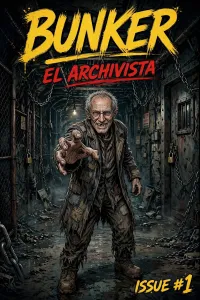
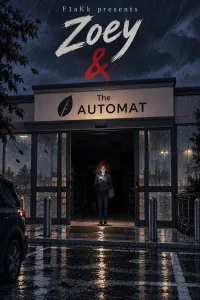
How the AI draws a webtoon
What the generator hands you
A sentence per panel is the whole input. What comes back is an image you own: approve it into the episode, send it back for another take, or replace it with something you drew. Nothing reaches a reader until you publish the chapter.
The same face in panel forty
Write a character sheet once — hair, eyes, build, default outfit — and it is pushed into every prompt that mentions that character afterwards. Places and recurring objects get sheets of their own, because those drift too.
Colour made for a screen
The Webtoon look draws clean, cel-shaded digital colour with breathing space between panels; Anime colour goes brighter, with thin coloured lineart and cinematic close-ups. Reword either, or describe a look of your own and it is drawn as written.
Pacing planned for the scroll
Ask Inky, the studio assistant, for an episode and it plans the panels for a vertical scroll, with spacing that serves the scene. Name a panel count and it keeps to it; leave it open and the pacing is chosen for the moment rather than squeezed into as few panels as possible.
What it looks like, step by step
Screenshots of the actual screens, in the order you meet them.
-
1
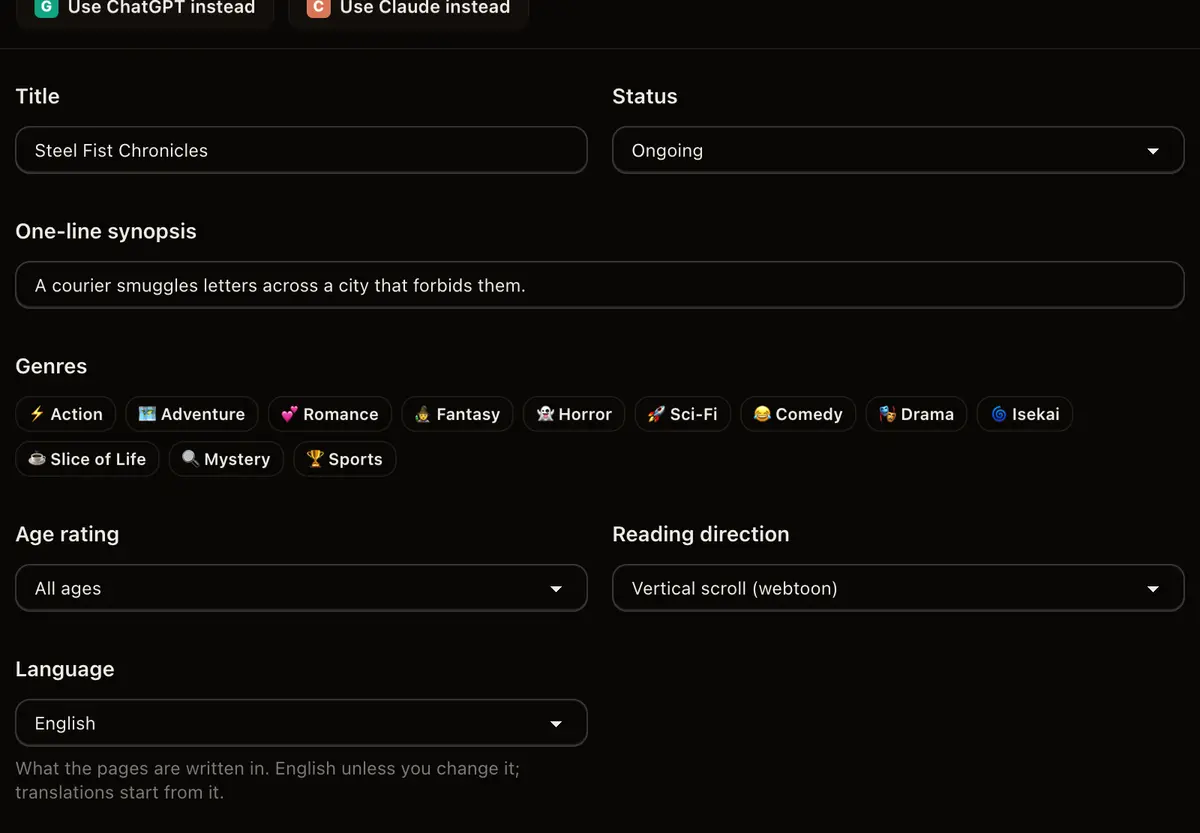
Start a vertical series
Reading mode is set once, on the series, and every generated episode inherits it. Vertical scrolling is what a webtoon reader expects.
-
2
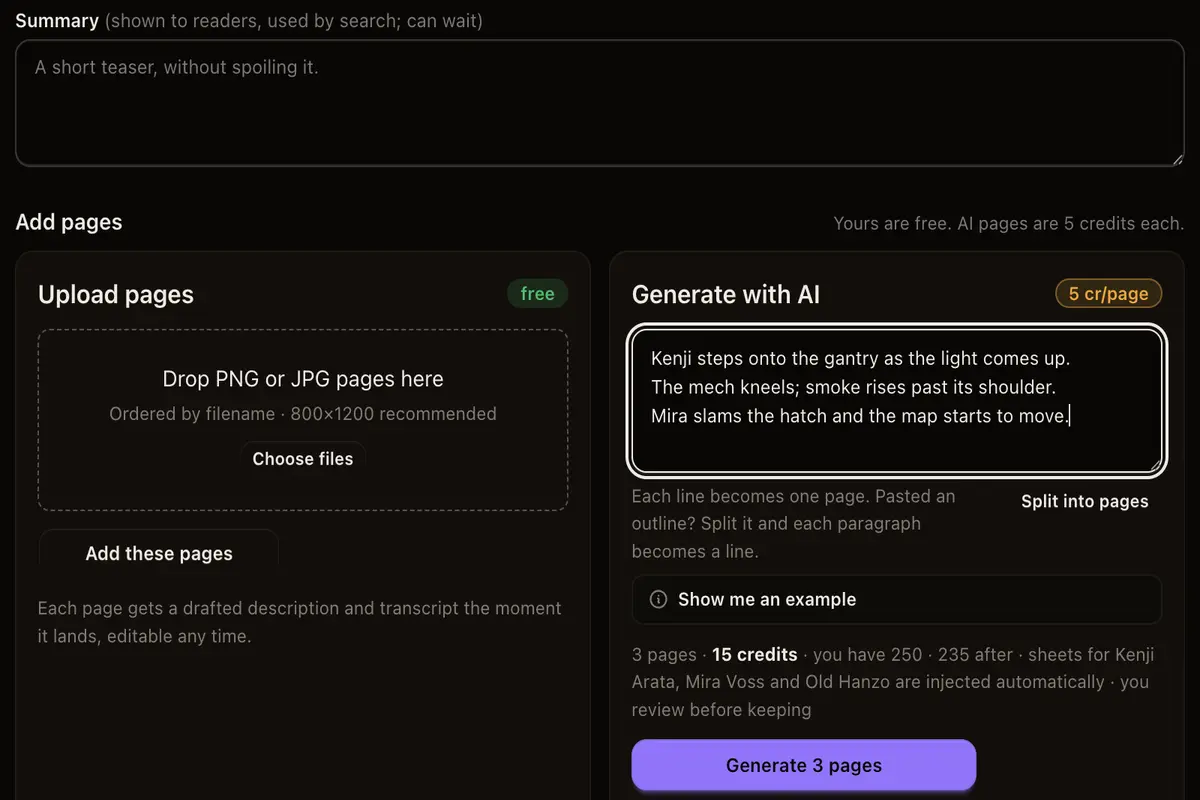
Feed it a beat
Type the scene in your own words. The series style profile and any character sheets you have written are added to the prompt for you.
-
3
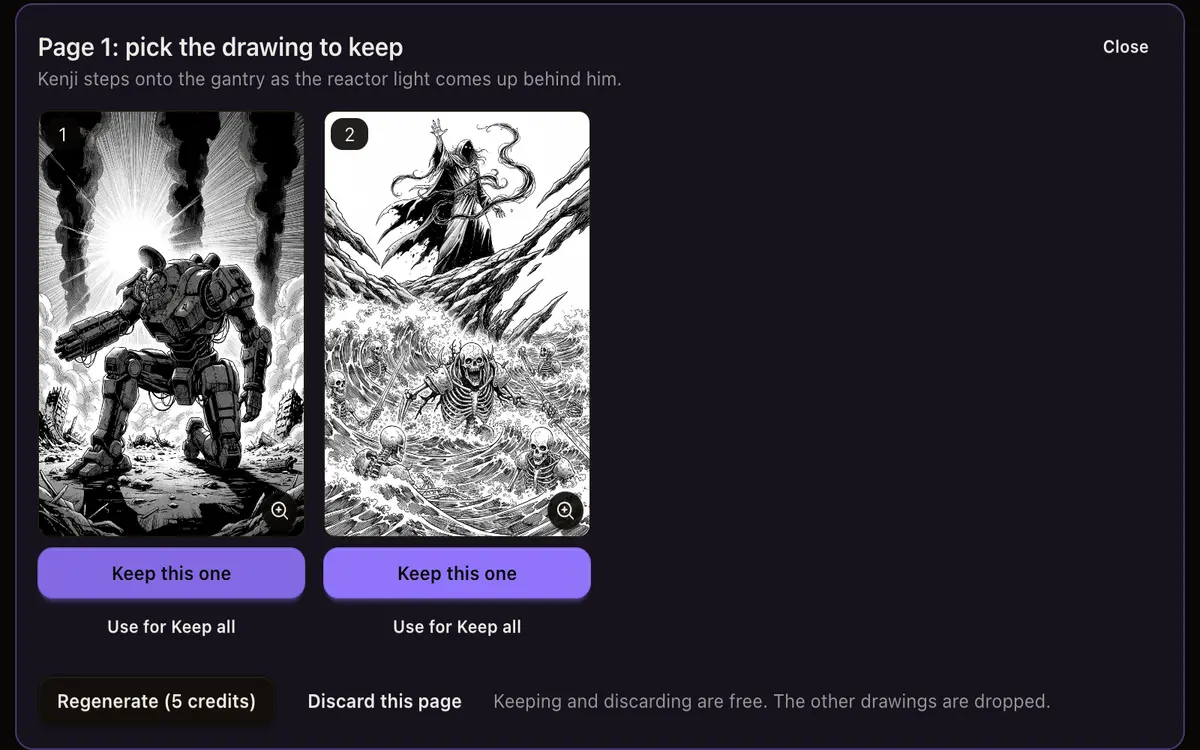
Approve, regenerate, or discard
Generated panels land on a review screen, not in your episode. You decide which ones become pages.
-
4
Send it out as an episode
One continuous scroll, free to read, with a link that works everywhere you paste it.
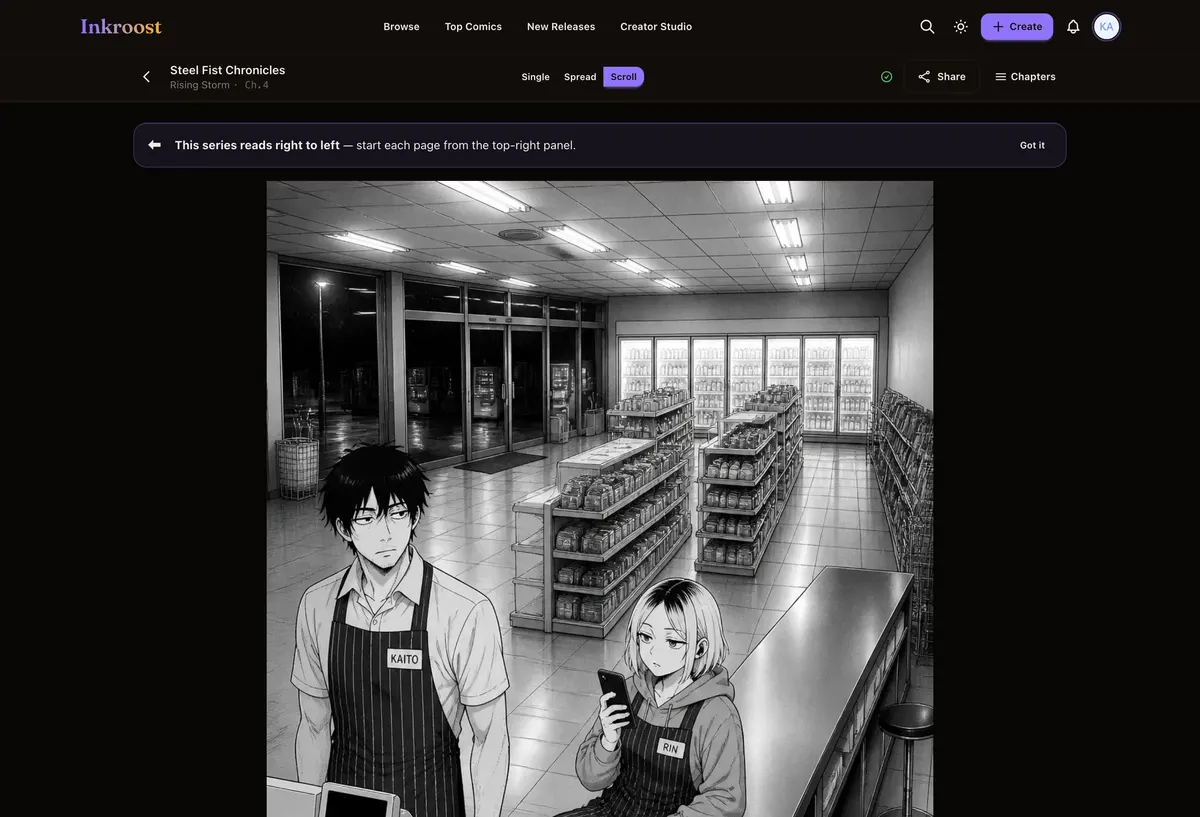
Webtoon episodes published here
Straight out of the catalogue. Tap one to read the chapter it belongs to.
What it costs
One AI-drawn page is 10 credits (about $0.30), so a 20-page chapter comes to about 200 credits (about $5.99). New accounts start with 30 free credits — enough for your first 3 pages. Uploading art you drew yourself costs nothing, and reading is always free. See the full pricing.
How this compares
| Feature | Inkroost | Canva | Clip Studio Paint | WEBTOON Canvas | AI image generators |
|---|---|---|---|---|---|
| Draws a comic page from a written scene | Yes | Partial | No | No | Partial |
| Reference sheets that hold a character across pages | Yes | No | Partial | Not applicable | Partial |
| Publish pages you drew yourself, to readers | Yes | No | No | Yes | No |
| Chapters readers follow, comment on and come back to | Yes | No | No | Yes | No |
| Right-to-left manga reading built in | Yes | No | Yes | No | No |
| Vertical-scroll episodes | Yes | Partial | Yes | Yes | No |
| Free to read, no reader account needed to start | Yes | Not applicable | Not applicable | Yes | Not applicable |
Compared on what each product says about itself. “Partial” means it does something close to this, not the same thing. No prices are compared here — theirs change and ours are on the pricing page.
Walk through it first
Real screens, real costs, and what to do when a page comes back wrong.
Give Inky the whole story
Prepare a full story in one conversation, review one drawing plan, and give your comic more expressive panel layouts.
Read the walkthrough →How to keep one character the same across pages
Faces drift between generated pages until you write the character down once. Here is what a character sheet is, how Inkroost pushes it into every page that mentions her, and what to do when a page comes back wrong anyway.
Read the walkthrough →Questions people ask
Is there a free AI webtoon generator here?
The account, the series and the publishing are free. Generation is what credits are for, and uploading art you drew yourself never costs any.
Can I make a webtoon from ChatGPT or Claude?
Yes. Connect Inkroost to ChatGPT or Claude once and ask for an episode in the chat. The series, the sheets and the panels are made in your Inkroost account, and every panel still comes back to you for review.
Can I redraw a panel the generator gave me?
Yes. Delete the generated page, upload your own, and move it into that slot. Uploaded pages cost no credits.
Do I own the panels the generator produces?
You keep ownership of what you generate and upload here. The licence you grant Inkroost covers hosting and displaying your episode and nothing more.
What does a chapter cost in dollars?
One AI-drawn page costs 10 credits (about $0.30), so a 20-page chapter comes to 200 credits (about $5.99). Uploading art you drew yourself costs nothing. Credit packs start at $5.99.
More ways in
Your first page is free.
Free to join, no card needed, and your 30 welcome credits draw your first 3 AI pages. If you would rather draw them yourself, upload them instead — both are first-class here.
Start your webtoon