creation
A ping when your pages are ready
Start a drawing and go do something else. The studio tab tells you when the pages are done, your browser can too, and if they are still waiting an hour later you get one short email.
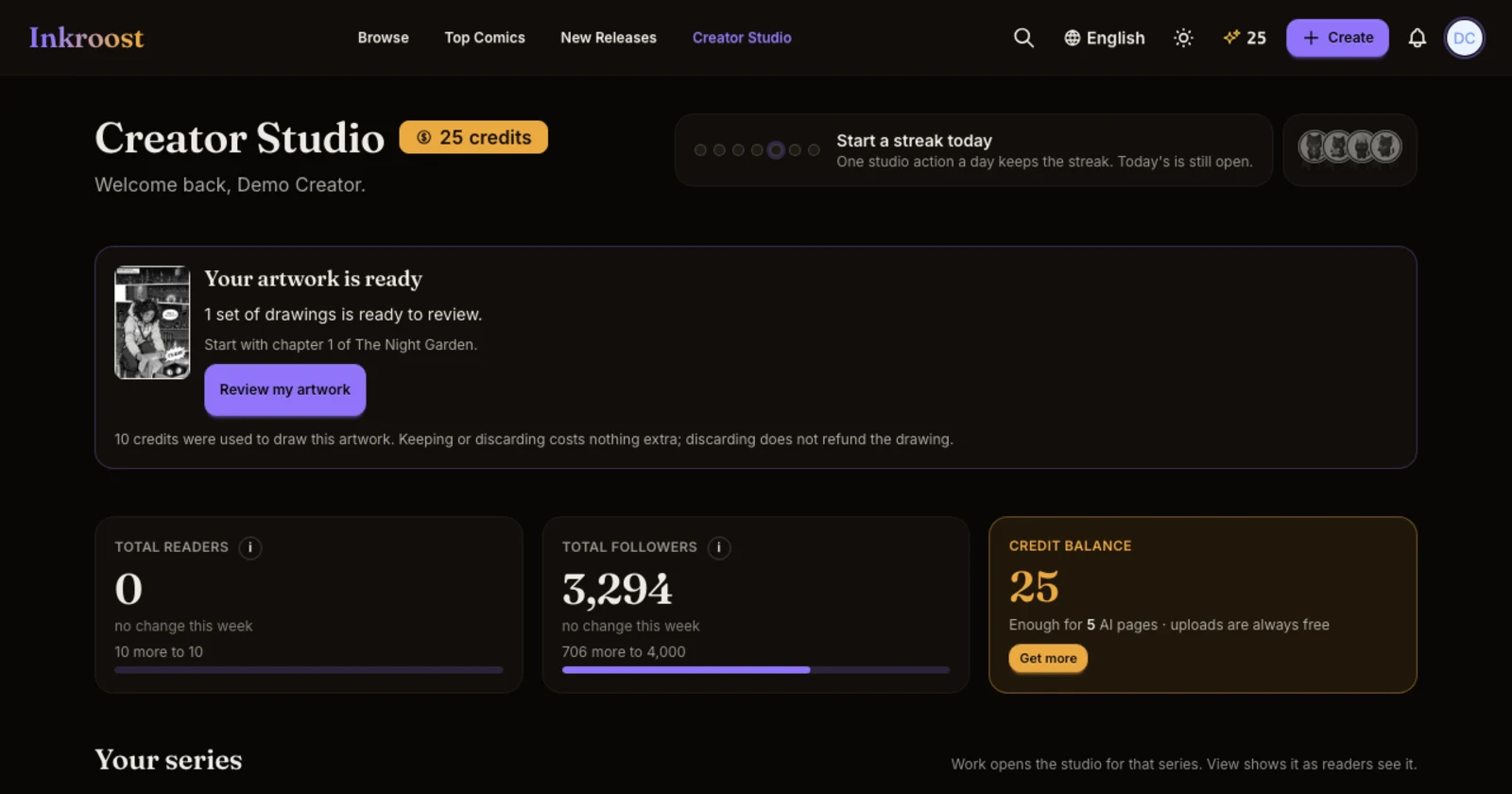
What changed. A page takes about two minutes to draw, and it is easy to switch to another tab in the meantime. Now the studio tells you when your drawings are done, even if you are looking at something else.
- The tab title changes. When pages you started finish while the studio is in another tab, its title reads ✓ 2 pages ready until you come back to it. Covers and banners say so too.
- Your browser can tell you. Right after you start a drawing, a small note asks Want a ping when it's ready? Press Allow and your browser shows a notification when the pages are done. Click it to go straight back to the studio. Press No thanks and the note does not come back.
- One email if they are still waiting. If pages you started in the studio are still waiting for a look an hour after they were drawn, you get one short email with a link straight to that chapter. It is one email per drawing, and never more than one a day.
Your choice. You can turn the email off under Settings → Notifications → Pages ready. Drawings started from ChatGPT or Claude do not send this email.
Why it matters. Your pages wait in your studio until you decide on them, so there is no rush. This just makes sure you know they are there.